Showing posts with label flower. Show all posts

Thursday, June 21, 2012

A Little Behind

I have gotten behind on posting Instagram Photo A Day posts.  Last week was busy and it slipped my mind.  I'm not too busy now and thought I would do some catching up.  However, it may end up being Instagram Photo A Week or whenever I think about.

I love the way some of the filters really add interest and dimension to the clouds.

It's amazing how close you can hold your iPhone to an object and still get it to focus.  This is so similar to a macro shot you would take with a digital camera.

And I saved my favorite for last.  This was taken in the car as you can see my foot.  Mia was a bit antsy and could not make her nest.  She ended up in the floorboard, which helped create the dark background to better frame her cute face.

Wednesday, July 27, 2011

Texture

Today, I decided to try something I had never done before:  Adding texture to a photo.  I'm living on the edge!  Haha.  I have seen some beautiful photos with very unique textures, and wanted to try the technique.  However, this is not something I would want to use all the time because I do love photos with limited editing (cropping and contrast, for example). 

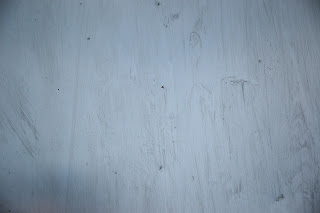
First, I found a simple texture on TextureKing to download for free and save on my computer as a JPEG file.


Then, I chose a photo already saved on my computer to try this new technique.


I used Photoshop Elements to decrease the texture saturation and increase contrast.  I clicked and dragged the texture over the dogwood bloom photo and decreased the opacity.  Drum roll, please... 


I enjoyed learning about this new technique and will continue practicing.  I would appreciate any tips and tricks you can give on adding textures to photos.
Related Posts Plugin for WordPress, Blogger...